


Ir al contenido de la página

Alineación automática para monitores

  • Para configuraciones estéreo con Neumann KH 80 DSP y todos los pares de monitores Neumann analógicos (no basados ??en DSP) que utilizan el subwoofer KH 750 DSP
  • Extensión multicanal opcional: alineación de referencia automática para sistemas multicanal Quad, 5.1, 7.1, 5.1.4 y 7.1.4 con monitores compatibles con la red (KH 80, KH 120 II, KH 150 y KH 750) con hasta cuatro subwoofers, mediante licencia disponible por separado (opcional, no incluida)
  • Algoritmos de calibración desarrollados conjuntamente con Fraunhofer IIS
  • Curva objetivo adaptable a la sala
  • Optimización de fase y amplitud para monitores Neumann analógicos
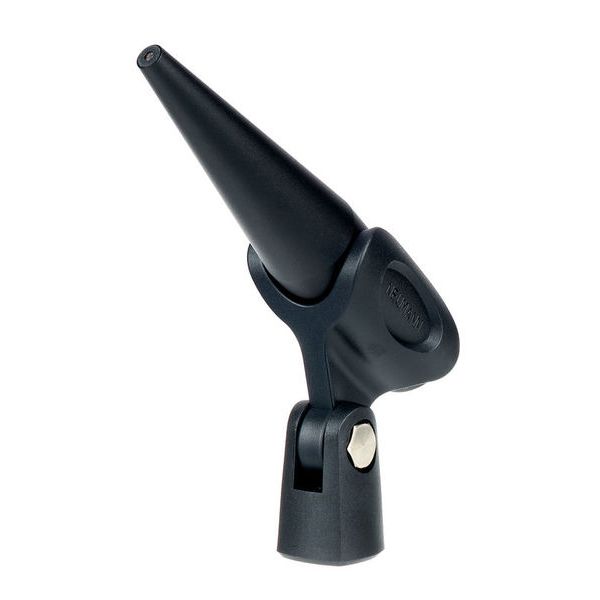
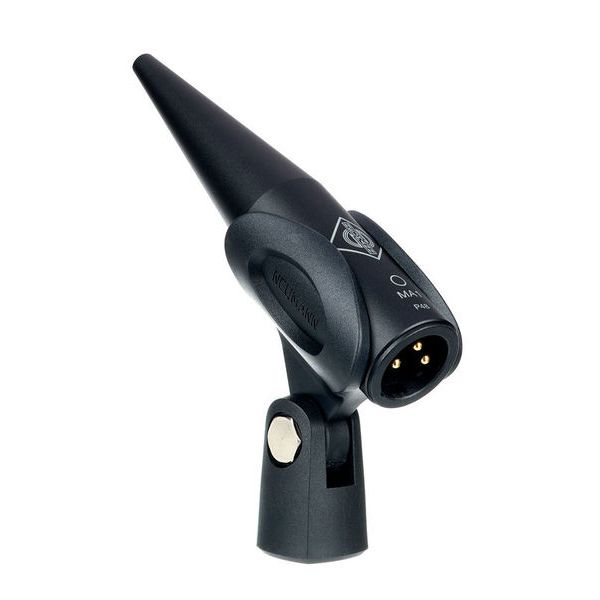
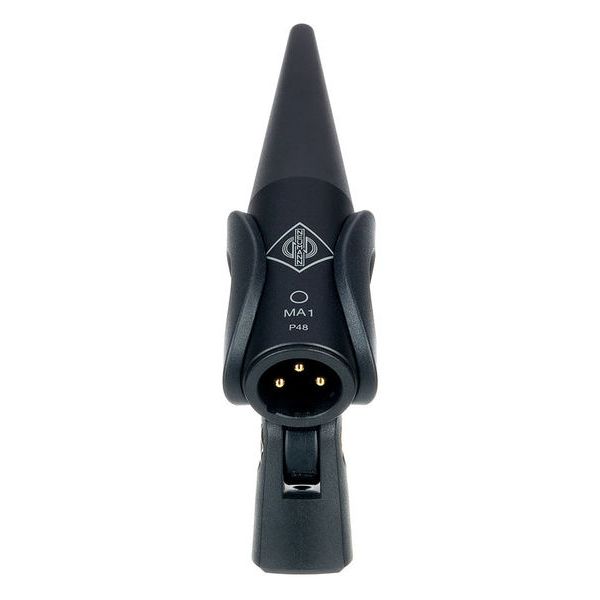
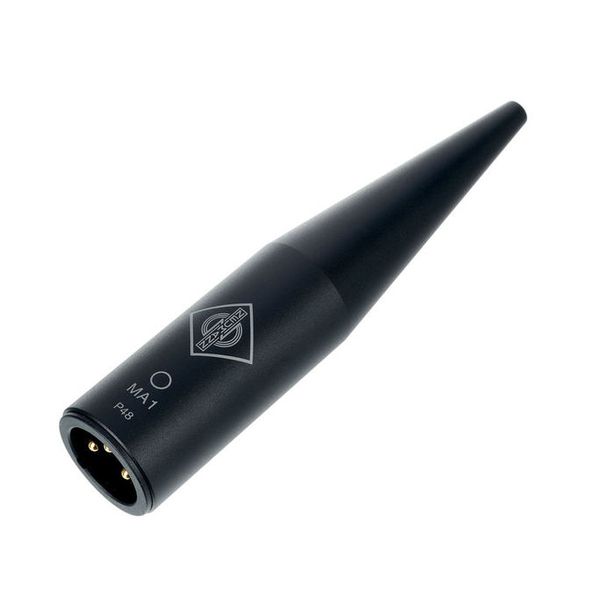
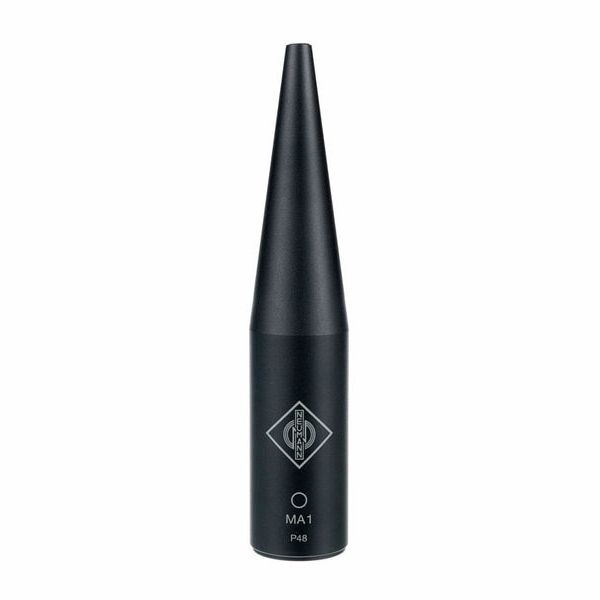
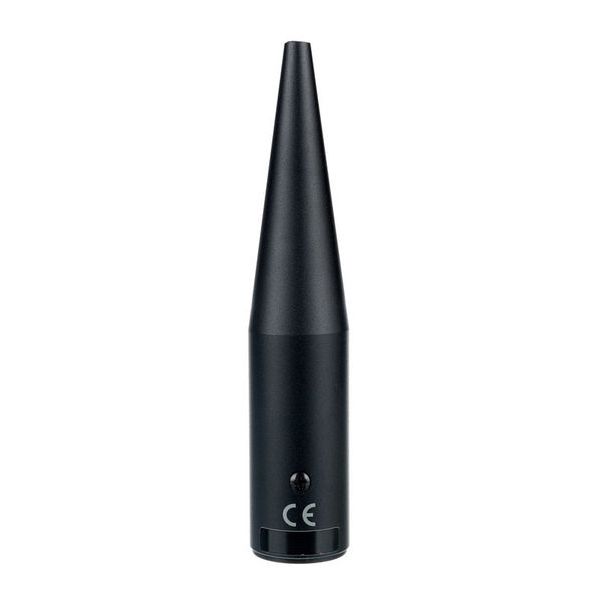
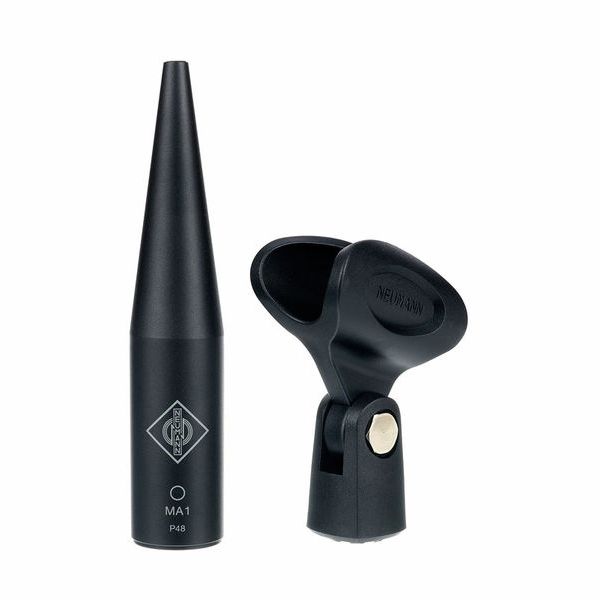
  • Micrófono de medición calibrado individualmente
  • Respuesta en frecuencia: 20 Hz - 20 kHz
  • Característica direccional: omnidireccional
  • Para Mac y PC
  • Dimensiones: 117 x 23 mm (largo x diámetro)
  • Peso: 37 g
  • Requisitos del sistema Windows 10 (64 bits) o macOS 10.13 / 10.14 / 10.15
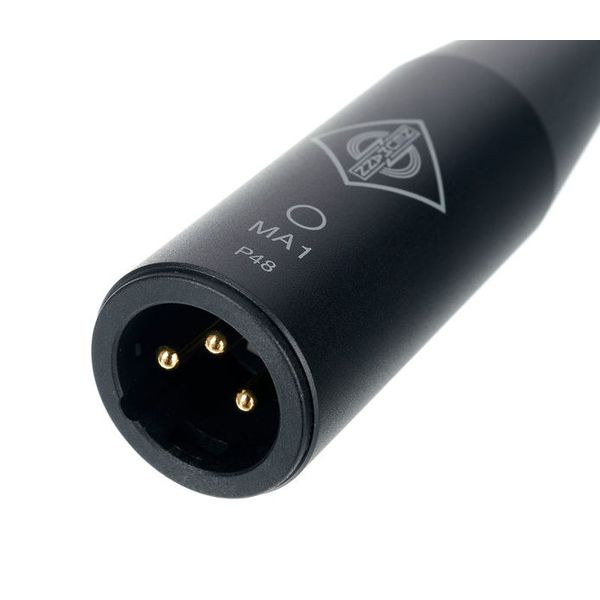
  • Interfaz de audio con entrada analógica balanceada con alimentación phantom de 48 V
  • 2 salidas analógicas balanceadas o salida AES3 digital (solo KH 750 DSP)
  • Driver ASIO (para Windows)
  • Interruptor de red
Requerimientos de sistema
  • Version: 2
  • Format: E-Mail
  • License validity: perpetual
  • Copy protection: Online activation
  • Simultaneous activations: 1
  • Windows: from 10 (64-Bit)
  • Mac OS (64 Bit): from 10.11
  • CPU min.: AMD Multicore, Apple Silicon, Intel Core
  • Display: 1280 x 720
  • Additional System requirements: Internet Connection for Installation and Aktivation, CoreAudio / ASIO- Audio-Interface with symmetric analog Microphone Imput with 48 V Phantom Power, min. 2 Outputs, LAN Switch with min. 3 Ports
  • Disponible desde Diciembre 2020
  • número de artículo 508756
  • Precio por 1 Unidad(es)
B-Stock desde 255 € disponible
298 €
Todos los precios incluyen IVA
En stock
1

89 Valoraciones de los clientes

4.7 / 5

Características

Fabricación

64 Reseñas

Ra
La mejor solución para una sala no tratada.
Rolando alonso 07.02.2025
La alineación automática es maravillosa. Ya no tendrás que depender de si tu sala está acusativamente tratada. con M1 logras una curva de referencia adaptada a tu habitación. En mi caso, tenia exceso de grabes en mi sala y la corrección ha sido satisfactoria. Impresionante, os lo recomiendo.
Características
Fabricación
0
0
Reportar evaluación

Reportar evaluación

S
Excelente micrófono
Soundlife 15.08.2025
Excelente micrófono para mediciones electroacústica
Características
Fabricación
0
0
Reportar evaluación

Reportar evaluación

E
Rapidez
Esteban_DV 08.05.2026
Es un sistema muy sencillo de utilizar y muy rápido. Tendrás la confianza necesaria para fiarte de tu sistema.
Características
Fabricación
0
1
Reportar evaluación

Reportar evaluación

google translate gb
Lamentablemente hubo un error. Por favor, inténtelo de nuevo más tarde.
n
Nearly very good!
neuwomann 29.12.2020
Slightly painful (and time consuming) start due to various bugs in the software (e.g. you can select any audio input from your interface for the mic signal as long as it's input one...!), but once I got through to the calibration stage things went much more smoothly.

Things to improve:
- Archiving (saving) and loading previous measurements for comparison and reversion is absolutely essential. If you want a calibration with and without the sub, or you use you monitors in more than one location, this is really essential.

- A quick means to switch between presets is also very much needed.

- Don't forget to apply the calibration before closing the app, or you will have to redo all your measurements!

- Measurements should be salvable independently too, so they can be reused to generate a different eq curve.

- Would be nice to be able to select any input channel, as the interface suggests ;)

- There is also a bug regarding system gain, whereby you have wait a few minutes after assigning your speakers to Left/Right position before testing the system gain or it will repeatedly fail. There's no onscreen indication as to why this is failing.

- I also managed to get my monitor indicators to flash forever by clicking the ID buttons and then going to next screen before they stopped flashing.

- Would be great if the audio IO UI had an input VU meter to help identify when the mic channel was correctly selected and working.

Results: Moaning aside, the results are very good and I think this is an essential bit of kit if you use your KHs for anything critical. The low end was never right, even using their ipad algorithmic calibration wizard (which did help quite a lot over the rear switches) and I had limited trust over the low end of my mixes. Now it sounds really smooth and open across the entire freq range which is great!
Características
Fabricación
19
3
Reportar evaluación

Reportar evaluación