Ir al contenido de la página

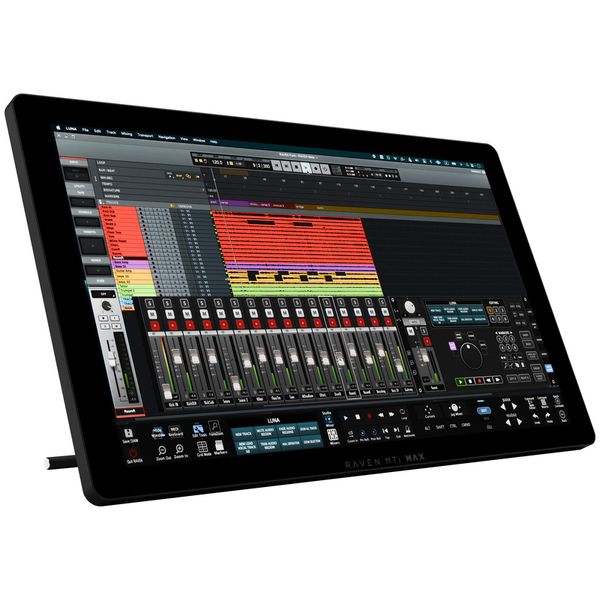
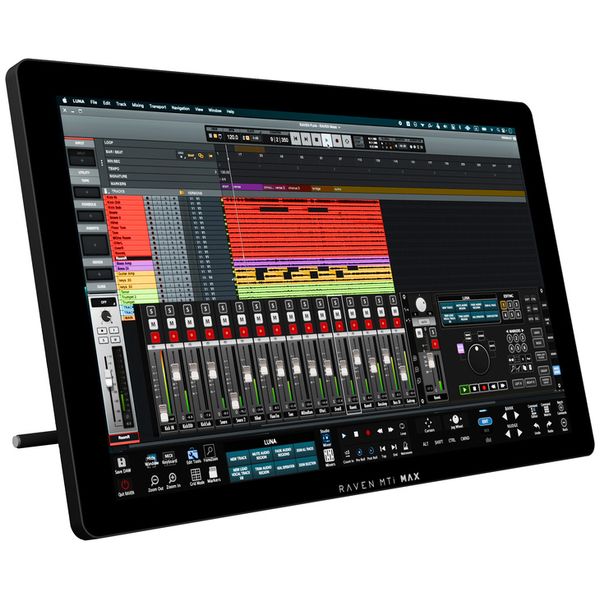
DAW y Controlador de Software Multitáctil

  • Pantalla táctil de 27" con software de control Raven 4.0 dedicado
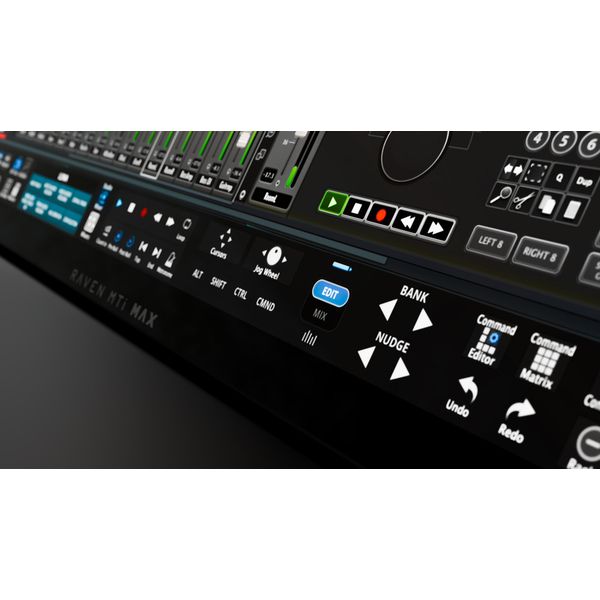
  • "Batch Commander": Cree tus propios macros multinivel para botones y gestos personalizados
  • Gestos preestablecidos que funcionan de inmediato en cualquier DAW compatible (por ejemplo, abrir y cerrar plug-ins, silenciar múltiples pistas, acercar y alejar y editar pistas de audio y MIDI)
  • Hasta 32 faders virtuales en la pantalla al mismo tiempo
  • Resolución: 2560 x 1440
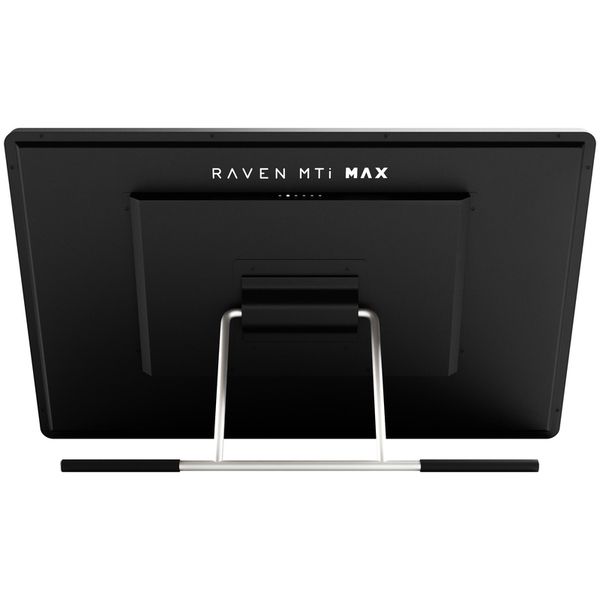
  • Conexiones: USB 2.0, HDMI y Display Port
  • Requisitos del sistema: macOS Catalina 10.15 - Sonoma 14.1.1
  • Protección contra copia: Pace iLok Machine ID o dongle (no incluido)

DAWs soportados:

  • Pro Tools 12-2023
  • Logic Pro X
  • Ableton Live 9 – 11
  • Cubase Pro 10 – 13
  • Nuendo 10 – 13
  • Studio One v4, v5, and v6
  • Digital Performer 8 – 11
  • Disponible desde Agosto 2024
  • número de artículo 584863
  • Precio por 1 Unidad(es)
  • USB
  • Bluetooth No
  • MIDI DIN de 5 polos No
  • Ethernet No
  • Pads 0
  • Display
  • Botones giratorios 0
  • Fader 0
  • Tiradores No
  • Expansión No
  • Encoders giratorios 0
  • Función transporte
1.355 €
Todos los precios incluyen IVA
En stock
1

2 Valoraciones de los clientes

4.5 / 5

Uso

Características

Fabricación

2 Reseñas

google translate gb
Lamentablemente hubo un error. Por favor, inténtelo de nuevo más tarde.
D
Very Good So Far
DeanG 02.11.2024
I've only had the MTI Max for a week, so far it's living up to all the hype I have seen from Slate Audio and other users on youtube.

It looks and feels like a very high quality piece of equipment, it came packaged extremely well, I am sure it can withstand a rough delivery if necessary.

Setting up the unit took a while, and I had to watch tutorials for setting up with Cubase, without those it would be really difficult trying to do it on the fly. The touch screen is sensitive and responsive to all gestures, it takes getting used to as I have always used a keyboard/mouse on my Mac Pro. There's A LOT of features and I am still going through tutorials in order to maximise the use of them all, I will repot back later once I have settled in and made full use of them all.

Slate Audio Offers great tutorial videos on their website which is helping a lot. Some of them seem a bit outdated as they refer to earlier versions but still makes sense for setting up the MTI Max. I will revisit this review after some time to give a final verdict.
Uso
Características
Fabricación
17
2
Reportar evaluación

Reportar evaluación

google translate de
Lamentablemente hubo un error. Por favor, inténtelo de nuevo más tarde.
C
Mixed Bag
Chaotik 27.09.2025
Seit ich mir vor über zwanzig Jahren ein Wacom Cintic zum Zeichnen zulegte wurde mir bewusst, wie viel Arbeit unser Gehirn für die Hand/Augen-Koordination beim arbeiten mit Maus und Bildschirm leistet, und so wünschte ich mir, so etwas auch für die Arbeit mit Logic zur Verfügung zu haben. So lag es für mich nahe, dass ich mein Auge auf dieses Produkt warf.

Die Hardware ist solide, die Blickwinkelabhängigkeit des Bildschirms vernachlässigbar, und die Touch-Oberfläche präzise. 5 Sterne.

Wo es jedoch für mich hapert ist die Software. Erst nach mehrmaligen Installationsdurchläufen und Supportunterstützung durch Slate Audio (top, kurze Reaktionszeiten in Anbetracht des Zeitzonenunterschieds) wurden alle notwendigen Komponenten auf meinem M4 Max Mac Studio installiert.
Ich arbeite seit Notator SL/Atari mit all den Iterationen von Logic Pro und verlasse mich seit ihrer Verfügbarkeit intensiv auf Screensets, meistens in Logics Noten- und Event-Editoren und im Environment. Und hier klemmt's bei Slates Software. Diese erstellt ein eigenes Screenset und wechselt beim Start darauf. Keine Chance für mich, auch nur zusätzlich mit meinen eigenen zu arbeiten, und wenn ich Ravens Screenset modifiziere erstellt sie einfach ein Neues. Das liegt daran, dass Raven auch Zeiger-Makros verwendet und damit Vieles genau dort sein muss, wo die Software es erwartet.
Unterdessen arbeite ich nur noch mit der Touchscreen-Komponente und starte die Raven Software nicht mehr. Ich bin da stur: Software sollte sich mir anpassen (oder besser an mich anpassbar sein) und nicht umgekehrt.

Fatit: Für den, der bereit ist seinen Workflow dem von Raven anzupassen, ein sehr gutes Produkt, für mich ein Mixed Bag.
P.S.: Genug Bildschirmreiniger zur Hand zu haben ist ein Muss.
Uso
Características
Fabricación
1
0
Reportar evaluación

Reportar evaluación